


Posts related to: Web Browser Control
JavaScript Debugging in a Web Browser Control with Visual Studio
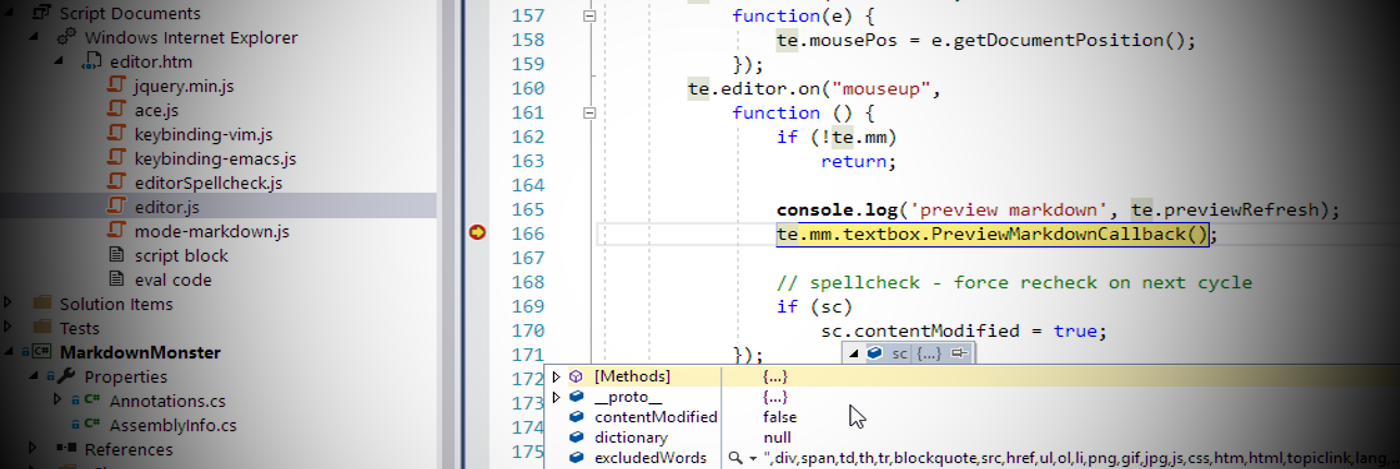
Debugging a Web Browser Control embedded in a Windows application can be a bear because there's no obvious way to debug the the JavaScript code or HTML DOM/CSS inside of the application. Although the Web Browser uses the Internet Explorer Engine for HTML rendering and JavaScript execution and provides most of the engine features, the Debugger and F12 are not part of that. As it turns out you can use Visual Studio to hook up a script debugger and provide a rich debugging experience with the full…
Dragging and Dropping Images and Files into the Web Browser Control

Dragging content into the Web Browser control and capturing the content dropped can be tricky. The Web Browser Control is based on Internet Explorer and is actually an ActiveX control hosted inside of a container and because of that is difficult to deal with. In this post I describe how you can get around this issue and still capture images and files dropped on the control and handle the drop operations.
Detecting and Setting Zoom Level in the WPF WebBrowser Control
Zoom level detection in the Web Browser control is a pain and in this article I describe one approach I used to both capture the current Zoom level in order to adjust font sizes, and then also explicitly set the Zoom level in the Web Browser control of a WPF application.